Simulator
for your next video
Give your script or rough cut a second look before you publish. Explore the opening, pacing, and payoff with feedback you can turn into a specific edit.
Screen a video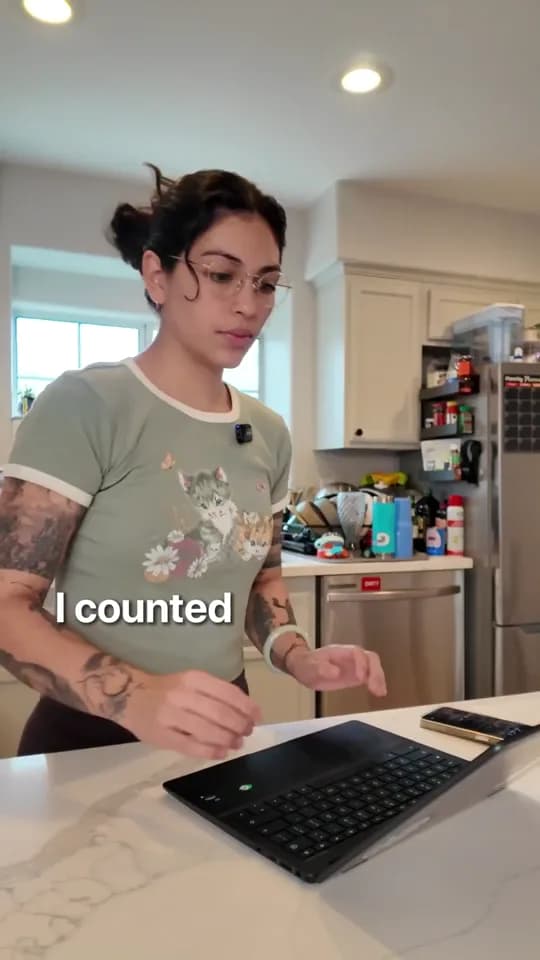
Does the opening get to the point?
Start with the task. Make the frustration visible.
A clear next editA closer look at a rough cut
Choose a reference, explore the moments, and see what a useful review can look like.
Make the problem visible immediately.
The first shot puts us at the desk. Keep the opening focused on the repetitive task, so the viewer knows what this video is about.
Editorial example, not a prediction of views.A second set of eyes, before the upload
Opening clarity
Check how quickly the first seconds establish a situation, question, or promise.
Pacing and structure
Find repetitions, rushed explanations, and moments that need room to land.
Evidence with the feedback
Review observations in the context of the script or footage you submitted.
An actionable next edit
Prioritize revisions and review the next version. After publishing, discuss available YouTube retention with Assistant to inform the next edit.
Start with the question that matters
Review the work against your creative intent. Screening is editorial guidance, not a forecast of views or distribution.
Review your own videoGet to the point sooner
Where does this opening take too long to tell the viewer what the video is about?
Make the demonstration clear
Is the product screen readable on a phone? Which moment needs more time?
Find the unnecessary beat
Which part of this rough cut repeats something the viewer already understands?
Check the payoff
Does the ending deliver on the promise in the opening? Give me one specific edit.